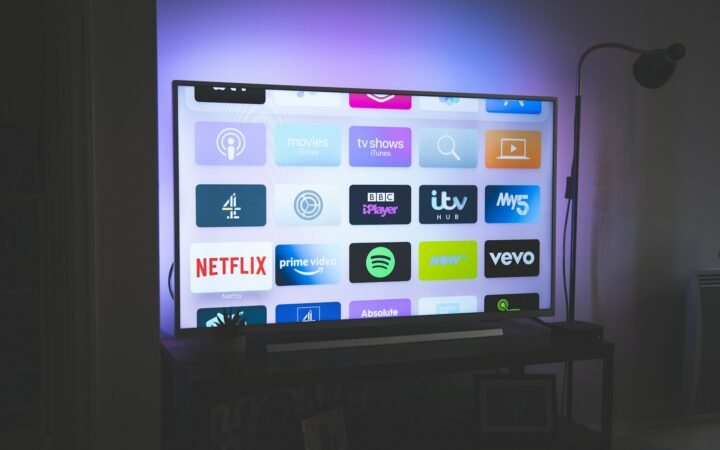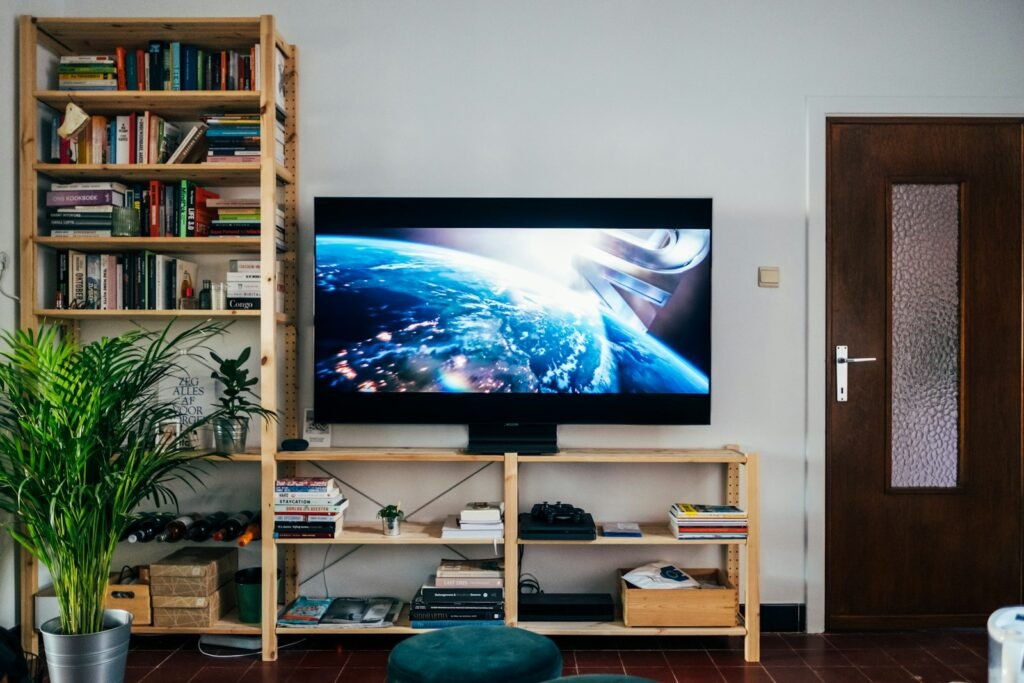
OLED TVs give the deepest blacks and the best contrast in a dark room, which is ideal for movies and anime. LED and QLED TVs are LCD screens with a backlight, so they get brighter and are often cheaper, which suits sunny living rooms. Mini-LED sits in between. Pick by your room light, your budget and how you watch, not by the label alone.
Choosing a TV is harder than it should be, with names like OLED, QLED and Mini-LED all promising a better picture. Between watching your favourite shows and keeping up with world events, for instance on the Spanish-language news site Al Heraldo, the screen is probably the most used gadget in your home, so it is worth getting right.
- 100% free
- Call direct
- Voice search
- Urdu & English
This guide explains each technology in plain language, shows where each one is strong or weak for movies, anime and sport, and includes a free picker that turns your room and habits into a simple recommendation.
How each TV technology works
OLED
In an OLED panel each pixel makes its own light. When a pixel is off, it is truly black. That gives excellent contrast, wide viewing angles and fast response, which is great for dark scenes in films and for fast action in anime. The trade-offs are lower peak brightness than the brightest LCD TVs and a small risk of burn-in if a static logo or game interface is shown for very long periods.
LED (LCD)
An LED TV is an LCD screen lit from behind or the edges by LED lights. It is usually the most affordable option and can be very bright. Blacks look more grey than on OLED, and the picture can look washed out from side angles on some panel types.
QLED
QLED is a brand name used for LCD TVs that add a layer of quantum dots to improve colour and brightness. It is still an LCD with a backlight, so it shares the strengths and limits of LED TVs, with typically better colour and brightness.
Mini-LED
Mini-LED uses thousands of tiny backlights arranged in many zones. The TV can dim each zone separately, which improves contrast and can come close to OLED in dark scenes while staying very bright. Quality varies a lot between models, so reviews matter.
| Feature | OLED | Mini-LED | LED / QLED |
|---|---|---|---|
| Black level | Perfect | Very good | Good to average |
| Peak brightness | Good | Excellent | Good to excellent |
| Bright room | Fair to good | Excellent | Good to excellent |
| Dark room | Excellent | Very good | Fair to good |
| Typical price | Higher | Medium to high | Lower |
Best choice for movies and anime
Anime is often drawn with bold colours and strong dark backgrounds, and many modern films use dark, moody lighting. In a dim room, OLED shows those scenes with clean blacks and no glowing halos. If you watch in the evening with the lights low, OLED is the strongest match. If you watch during the day in a bright room, a bright Mini-LED or QLED set will look better because it can fight reflections.
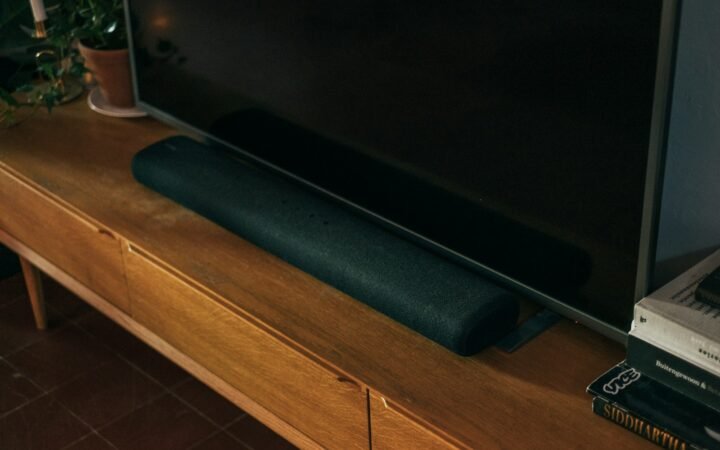
If you also care about sound, read our comparison of a soundbar and built-in TV speakers, because slim TVs rarely sound as good as they look.
TV Type Picker
Choose your room and habits. The answer is rule-based and nothing is saved or sent anywhere.
- Choose how bright your room is when you watch.
- Pick your main use and budget.
- Press the button and read the reasons.
Sizes, HDR and refresh rate explained
A good rule for size is to sit about one and a half times the screen diagonal away for a 4K TV, which means a 55 inch TV works well at roughly two metres. HDR lets a TV show brighter highlights and richer colour, but only if the TV is bright enough to use it, so HDR on a very cheap TV adds little. A 60 Hz panel is fine for most video, while 120 Hz helps with fast sport and modern games. Check that the HDMI ports support the features of your console or streaming box.
What about burn-in?
Burn-in happens when a static image is displayed for a very long time and leaves a faint ghost. Modern OLED TVs include features to reduce the risk, such as pixel shifting and logo dimming. For normal viewing of varied content it is unlikely to matter. If you leave a news channel with a fixed logo on for many hours every day, or play the same game HUD all day, an LED or Mini-LED TV may be a safer pick.
A quick example
Where to set up and tune your new TV
Once the TV is home, spend ten minutes on settings, because factory modes are tuned for shop floors. Choose a cinema, movie or filmmaker mode for films and anime, turn off motion smoothing unless you like the soap-opera look, and lower the brightness to a comfortable level for your room. Update the software, then connect a wired network cable if your router is close, as this can make high-quality streaming steadier. Place the TV so that windows do not reflect on the screen, and keep the screen at roughly eye level when you are seated. These small steps often improve the picture more than paying for a higher model.
Finally, think about how long you will keep the TV. Most people use a set for six to ten years, so a slightly better panel today can pay off over time. Check the length of the warranty, whether the maker provides software updates and how easy it is to get repairs in your area. A TV is a long-term purchase, and good research now avoids regret later.
Common mistakes to avoid
- Buying by a brand label without reading independent reviews.
- Ignoring room light and reflections.
- Paying extra for a high refresh rate you will never use.
- Forgetting sound, since slim TVs often sound thin.
- Leaving store picture mode on and judging by it at home.
Before you buy, measure your wall and your viewing distance, check how many HDMI ports you need, and make sure the TV supports the streaming apps you use. If your Wi-Fi is weak, a wired connection can also improve streaming quality.
Frequently asked questions
Is OLED better than QLED?
OLED has better contrast and blacks, while QLED and Mini-LED TVs are generally brighter. The better one depends on your room and budget.
Is QLED the same as OLED?
No. QLED is an LCD with a quantum dot layer and a backlight. OLED pixels make their own light.
Do I need a 4K TV?
For most sizes above 43 inches, 4K is standard and worth it, especially as streaming and consoles support it.
Should I buy a soundbar too?
If you value clear dialogue and fuller sound, a soundbar is often the best next upgrade.