To set up Crunchyroll parental controls in 2026, create a separate profile for your child, turn on the Teen Profile option or lower that profile’s Content Restrictions rating, and add a 4-digit profile PIN to every adult profile. Crunchyroll sets every profile to Ages 16 and up by default, so a new profile is not child-safe until you change it.
Many families add a streaming service or a new tablet over the holidays, and anime apps are often on the list. Crunchyroll’s controls are simple, but they only work if you set them on each profile.
This guide walks through the exact settings, compares them with Netflix, and shows how device controls fill the gaps.

Does Crunchyroll have parental controls?
Yes. Crunchyroll gives the primary account holder three tools: Content Restrictions on each profile, a Teen Profile option, and profile PINs.
Content Restrictions block anything rated above the level you choose. Changing them requires the account password, which stops a child from simply raising the limit. Every title shows its maturity rating on the details page and briefly when playback starts.
How do Crunchyroll’s controls compare with Netflix?
Crunchyroll’s tools are lighter than Netflix’s, mainly because it has no dedicated kids profile. Here is how they line up.
| Feature | Crunchyroll | Netflix |
|---|---|---|
| Default rating on new profiles | Ages 16 and up | Depends on the rating you pick when creating the profile |
| Child-focused profile | Teen profile, Ages 14 and up by default | Kids profile with a separate, simpler interface |
| Per-profile rating limit | Yes, password-protected | Yes, password-protected |
| Profile PIN | Yes, 4 digits | Yes, 4 digits (Profile Lock) |
| Block single titles | No | Yes |
If you are still choosing a service, our guide to which Crunchyroll plan is worth it explains how many profiles and streams each plan includes.
How to set up Crunchyroll parental controls: step by step
- Create a profile for your child. Click your profile icon, choose Switch Profiles and add a new profile. Never let a child use the main profile.
- Turn on Teen Profile. In that profile’s settings, toggle on the Teen Profile option and save. Teen profiles only play titles rated Ages 14 and up or lower.
- Lower the rating if needed. For younger children, open Preferences, scroll to Content Restrictions and pick a lower rating. Enter your account password to confirm.
- Lock the adult profiles. Go to account settings, choose Profile PIN, toggle it on and set a 4-digit PIN for each adult profile.
- Test it. Switch to the child’s profile and search for a mature series you know. It should be blocked or hidden.

How do you set up Netflix parental controls for anime?
Netflix carries a large anime library, so many families need both apps locked down. The process takes about five minutes.
- Add a Kids profile. When you create a new profile, switch on the Kids option. It opens a simpler interface with only family titles.
- Set viewing restrictions. In your account, open Profiles, pick your child’s profile and choose Viewing restrictions. Select a maturity rating and, if you like, block individual series by name.
- Turn on Profile Lock. On each adult profile, open Profile lock, confirm your password and set a 4-digit PIN.
Blocking single titles is the main thing Netflix offers that Crunchyroll does not. It is useful when a show’s rating looks fine but a later season gets darker than you expected.
Which rating should you choose for your child’s age?
There is no single right answer, because maturity varies from child to child. As a starting point, keep younger children well below the teen limit and use the Teen Profile default for young teens.
Ratings and labels differ by country, since Crunchyroll follows local rating systems in places such as Australia, Brazil and India. Check the rating names shown in your own account. If your child is new to anime, our guide on how to start watching anime suggests gentle first series to try together.
A worked example
Suppose a family has one Crunchyroll account shared by two parents, a 15-year-old and a 10-year-old. The parents create two new profiles. The 15-year-old’s profile is switched to a Teen Profile and left at its default of Ages 14 and up. The 10-year-old’s profile has Content Restrictions lowered further, confirmed with the account password. Both parent profiles get a 4-digit PIN, so neither child can switch into them. On the family tablet, the parents also use Google Family Link to approve new app downloads and set a daily time limit.
How do device controls add another layer?
App settings only control what plays inside the app. Device controls decide which apps can be installed, what can be bought and how long a child can watch.
- Android phones and tablets: Google Family Link lets parents approve app downloads and set screen time limits.
- iPhone and iPad: Apple Screen Time offers content and privacy restrictions, app limits and Ask to Buy.
- Smart TVs and streaming sticks: most have a PIN for purchases and app installs in their settings menu. Our guide to choosing a streaming device for your TV covers which devices make this easy.
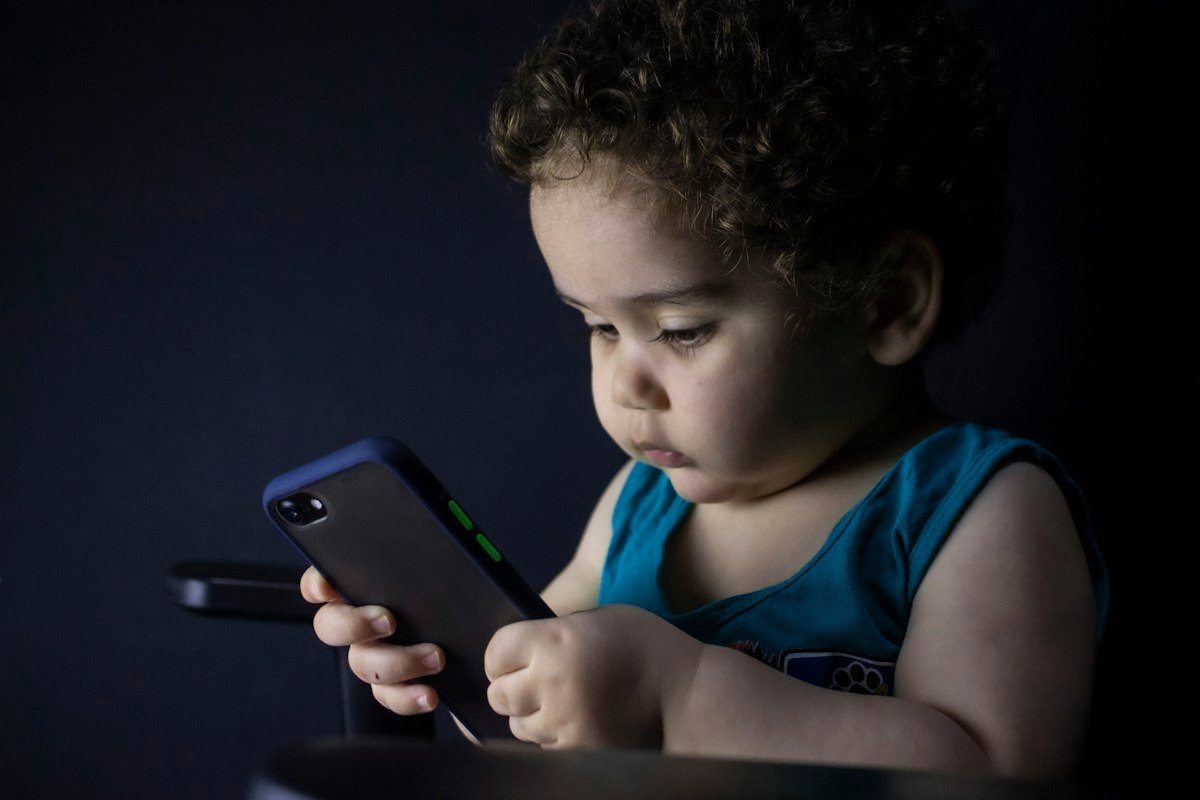
For families who also want location sharing on kids’ phones, see our roundup of the best free family tracking apps.
Can kids get around streaming parental controls?
Older kids sometimes try. The most common routes are guessing a weak PIN, watching on a friend’s account, or using a profile that was never restricted.
Pick a PIN that is not a birthday or 1234, and check the profile list now and then for new profiles you did not create. Talking openly about why some shows are off-limits usually works better than any setting on its own.
How often should you review the settings?
Review them at least on each child’s birthday, after a major app update and whenever you add a new device. Ratings that suited a 10-year-old may feel too strict by 13.
Both Crunchyroll and Netflix keep a watch history for each profile, so a quick look every few weeks shows what your child is actually watching.
Common mistakes to avoid
- Assuming a new profile is safe. Every Crunchyroll profile starts at Ages 16 and up.
- Setting restrictions on the child’s profile but leaving adult profiles unlocked, so the child can simply switch.
- Sharing the account password with older kids, since it unlocks every setting.
- Relying only on app settings without device controls for downloads and purchases.
- Never reviewing the settings as your child gets older.
People also ask
Does Crunchyroll have a kids profile?
Crunchyroll offers a teen profile rather than a dedicated kids profile. A teen profile only plays titles rated Ages 14 and up or lower, and the primary account holder can lower that limit further in Content Restrictions.
What is the default maturity setting on Crunchyroll?
Every Crunchyroll profile is set to Ages 16 and up by default. You have to change each profile individually if you want a stricter or looser limit.
Can my child change the Crunchyroll rating back?
Changing Content Restrictions requires the account password, so a child cannot raise the limit without it. Adding a 4-digit profile PIN to adult profiles also stops them switching into a profile without restrictions.
Are Crunchyroll parental controls the same on every device?
The settings live on your account, so a restriction set on the website or app applies wherever that profile is used. The menu names and placement can vary slightly by device.
Is a profile PIN enough to keep kids safe on anime apps?
It helps, but it works best alongside device controls such as Google Family Link or Apple Screen Time, which can limit app downloads, purchases and daily screen time.
Sources & Editorial Note
We checked every setting against Crunchyroll’s own help pages on setting up a teen profile and content restrictions. Menu names can change between app updates, so confirm them on your device. Last checked: November 28, 2026, by the Hsnime Editorial Team.